
Bridge, in 30 seconds.
Watch a design go from Sunset straight to the printer — one click, no browser dialog.
Two printers shouldn't mean two dialogs.
Most funeral homes run more than one printer — and every driver has its own confusing print box. Bridge replaces all of them with a single, consistent dialog. It looks and works exactly the same no matter which printer you send to, so nobody has to relearn anything.
Integrates with your physical printers.
Bridge connects Sunset to the actual printers on your desk — the real device, the right paper tray, the correct settings. Choose the printer and tray, set copies and sides, and send. No exporting, no re-uploading, no guesswork about which tray the folder stock is in.
- ✓ Pick the exact printer and paper tray
- ✓ Copies, single- or double-sided, color or grayscale
- ✓ Full-fidelity output — gradients, photos and custom sizes, exactly as designed
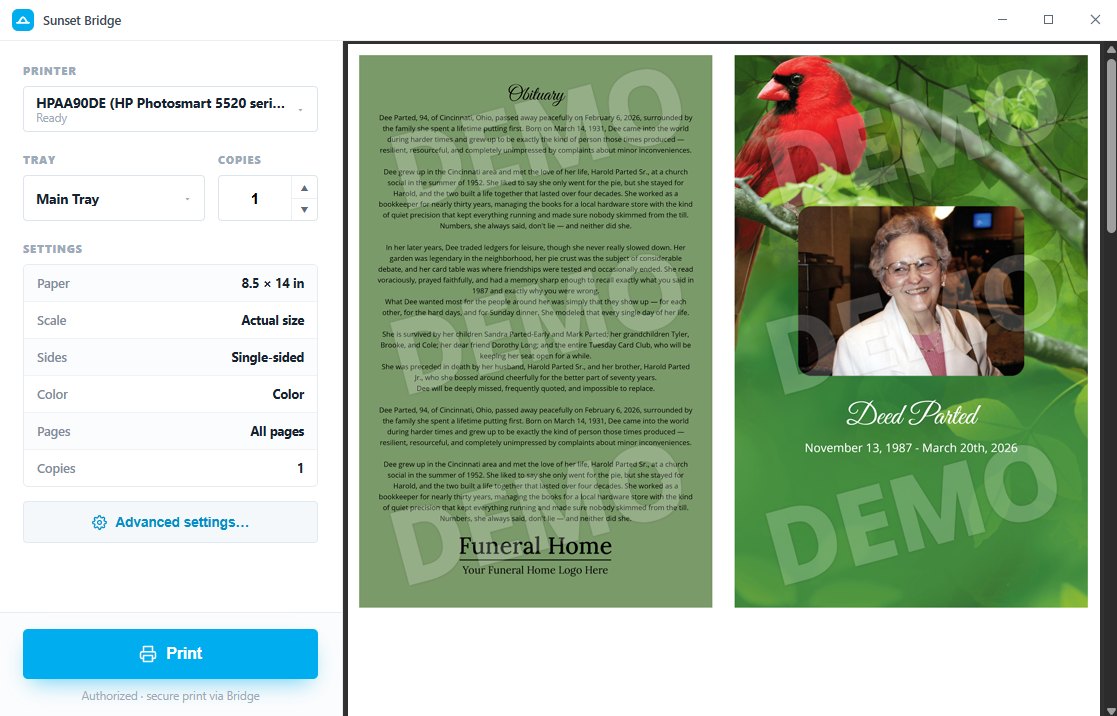
Print directly — never open another app.
No browser print dialog. No downloading a PDF. No Acrobat. No wrestling your built-in or operating-system print box. Bridge sends your design straight from Sunset to the printer, in one click — and every stationery piece carries its own correct print setup, applied automatically.
Fine-tune every detail.
When you need to adjust, everything is right there: scale, orientation, single- or double-sided, color or grayscale, and exact page ranges. Set it once and print — or open Advanced settings for full control over the output.
Because Bridge prints your design at full fidelity, what you fine-tune is exactly what comes out of the printer.
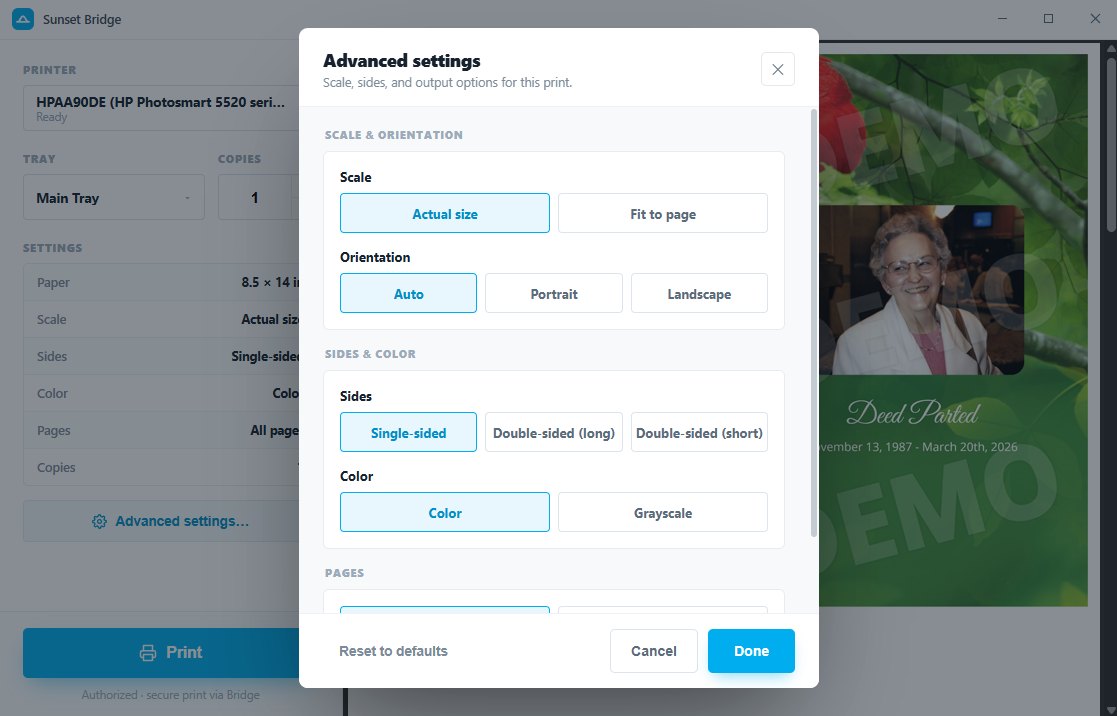
Configuration & alignment, fixed.
Bridge remembers how each computer prints, so the person at that desk never has to set it up again.
Saved per machine
Printer, tray, copies, sides, scale and color are saved for each computer — set it once and it's remembered every time.
Alignment that holds
Custom paper sizes print at their true dimensions, so prayer cards, folders and bookmarks land on the paper correctly — every run.
Consistent everywhere
However many printers or workstations you have, the dialog and the results stay identical across all of them.
Bridge brings obituaries in, too.
Some funeral home websites turn us away at the door. When that happens, the same companion app that prints for you imports for you — so starting a case from your own obituary page works wherever your site is hosted.